
What are In-Product notifications?
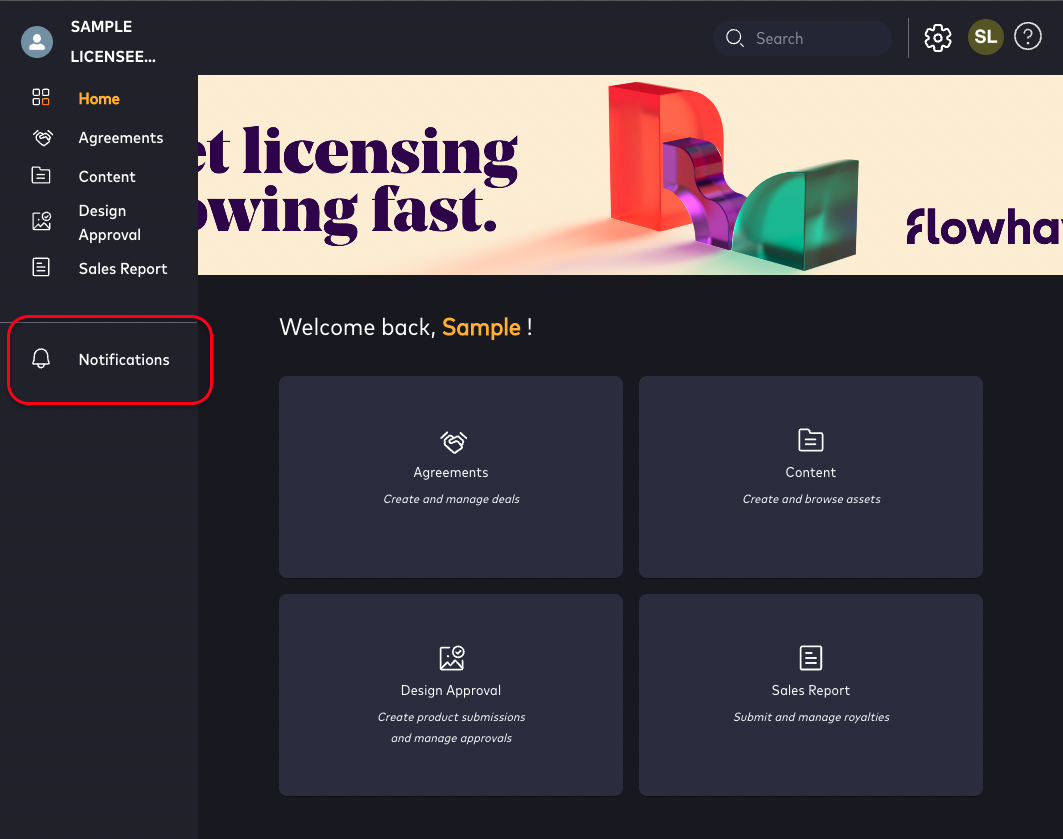
In-Product Notifications offer a centralized locations for real time updates regarding changes to modules relevant to a user's workflow.
Once notifications are configured and the user has subscribed to them, the In-Product Notification area in Flowhaven Licensing Suite will populate with notifications relevant events in Flowhaven, including Submissions, Royalty Reports, Instalment reminders, and new assets.
Who is this for?
- In-Product notifications are available to any Flowhaven user–internal or external
Notifications
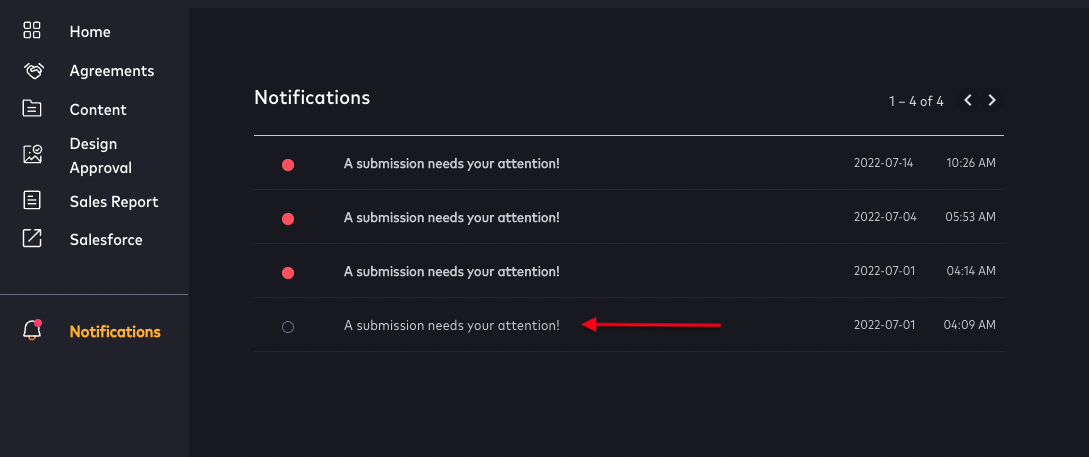
- The dashboard gives users a list of all read and unread notifications
- The list of Notifications contain a title regarding what the notification is for (i.e. submission, asset folders etc.)
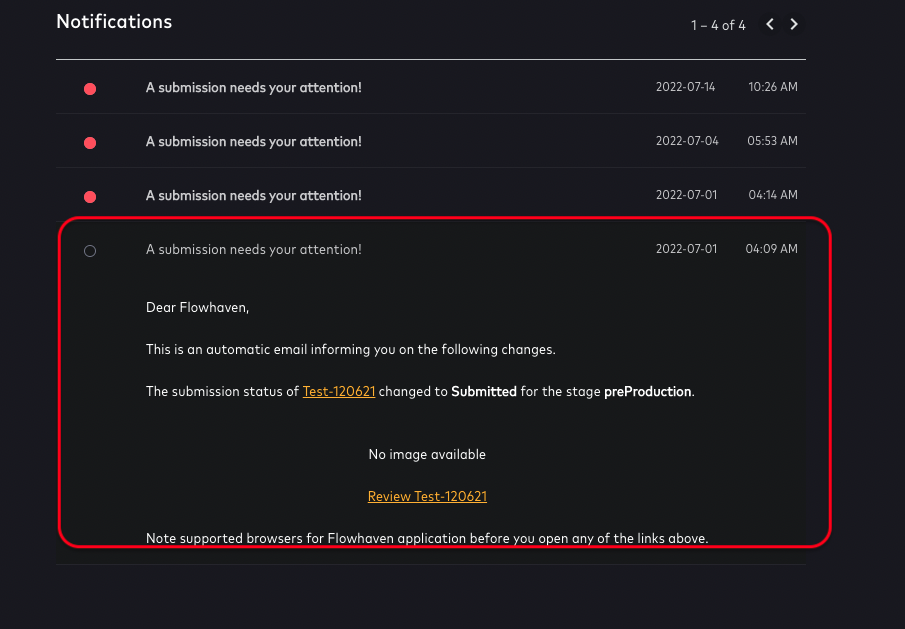
- To view more details, click the notification title
- The notification expands with added details.
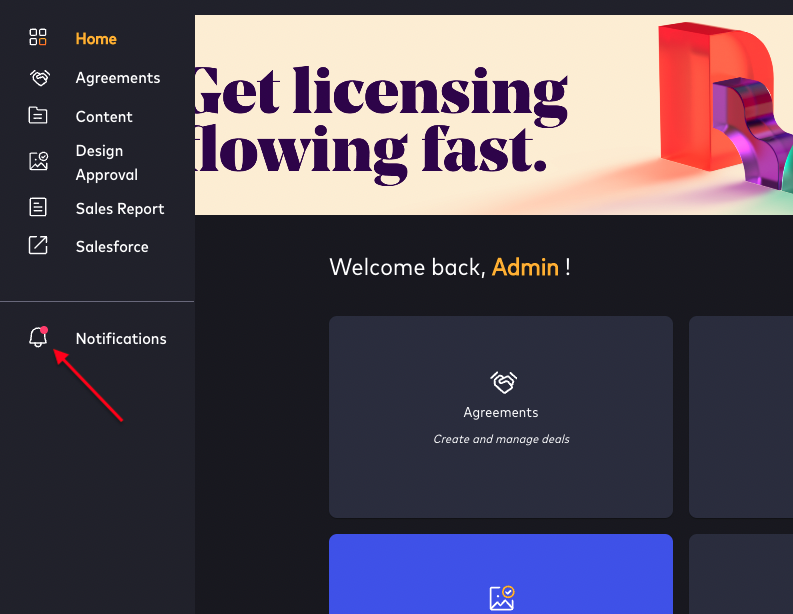
- If new unread notifications are available, the bell icon will have a red dot to indicate that new notifications are available:
-
- Unread - New Notifications are flagged with a red bubble
- Read notifications icons are empty
- Read notifications can be marked as unread if the user wishes to track an item as a task
- Notifications are listed chronologically
- Clicking on a notification will open the notification to provide relevant details.
- A link in the notification directs the user to the specific item:
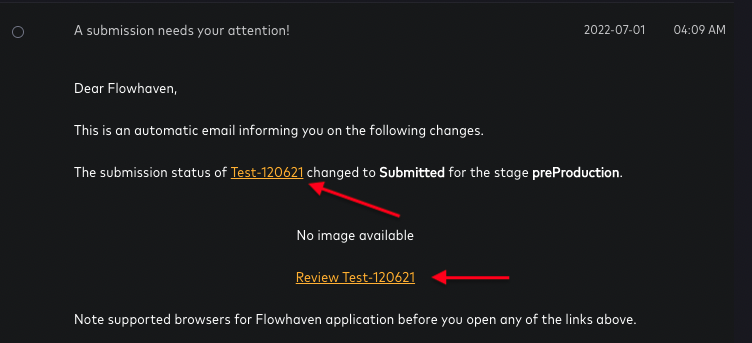
- When clicking into the notification, a back button will allow users to navigate back to the notification page:
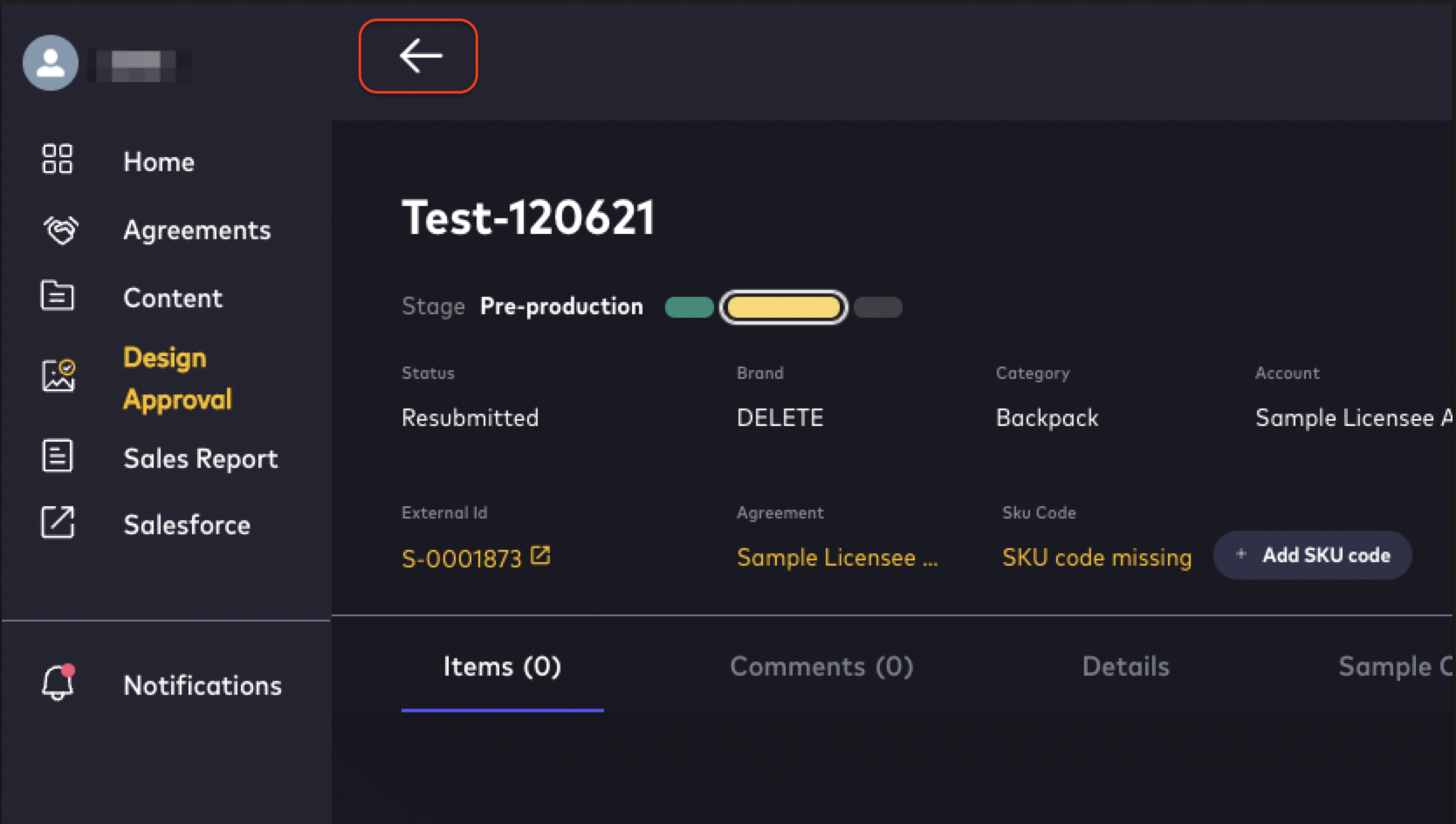
- Notifications appear according to which types of notifications have been configured in the system and which type of notifications the user has subscribed to
- To see new Notifications when the Notifications window is open, refresh the page
Additional Considerations
- In-Product Notifications will only show notifications to the user if that user has subscribed to them.
- In-product notifications will replace email notifications for external users–they contain the information originally included in email notifications to the external user.
- If external users wish to continue to receive email notifications, the email notifications will only inform the user that a change has occurred, and to log into the Licensing Suite for more information.
Comments
0 comments
Article is closed for comments.