
Uploaded Images
When an image is uploaded into Design Approval or the Content Management Modules, the image is uploaded to the Flowhaven client's storage (Google Drive, Amazon, One Drive, Dropbox etc).
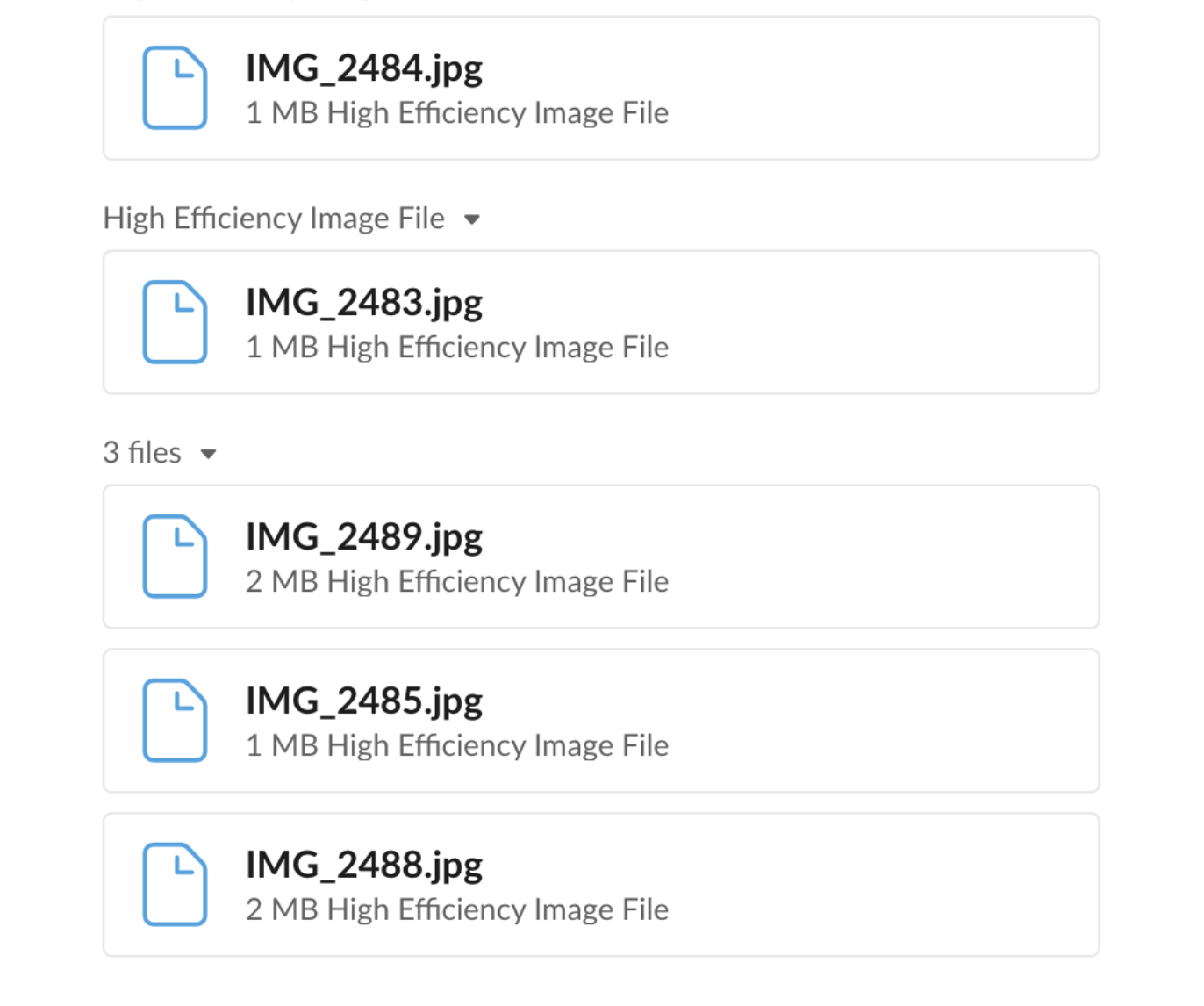
When images are uploaded using an iPhone, the image will be in Apple's HEIC (High Efficiency Image File) format. More traditional formats include JPEG, PNG, GIF etc. Please note, Google Drive and Windows do not currently support an image preview for HEIF formatted files.
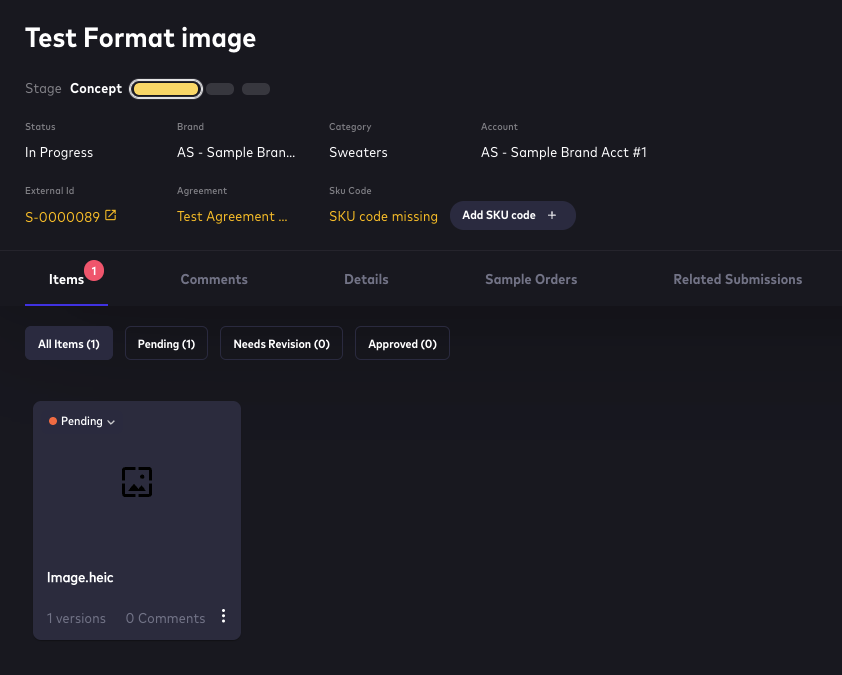
If a file in HEIC format has been uploaded into the FH app and it is not supported by the Flowhaven customer's storage solution, the image will not be visible.
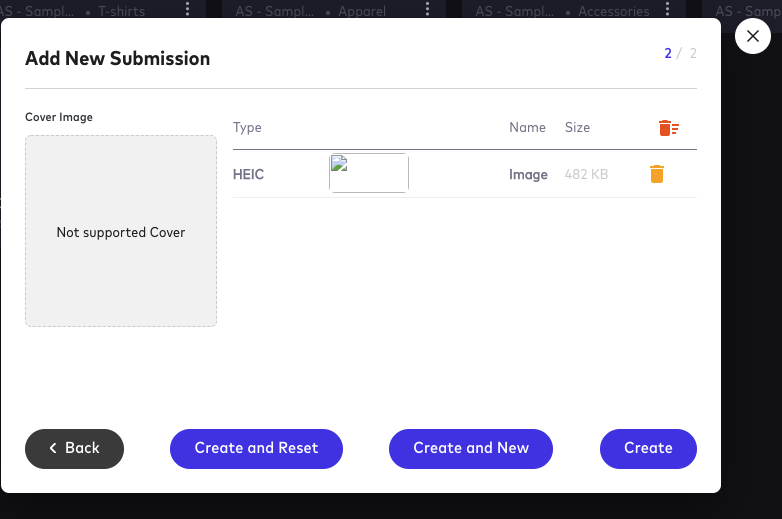
The system will not reject the submission however no image will come across.
In addition, the Flowhaven Application's Print feature will not load an image either. However, the comments will show up.
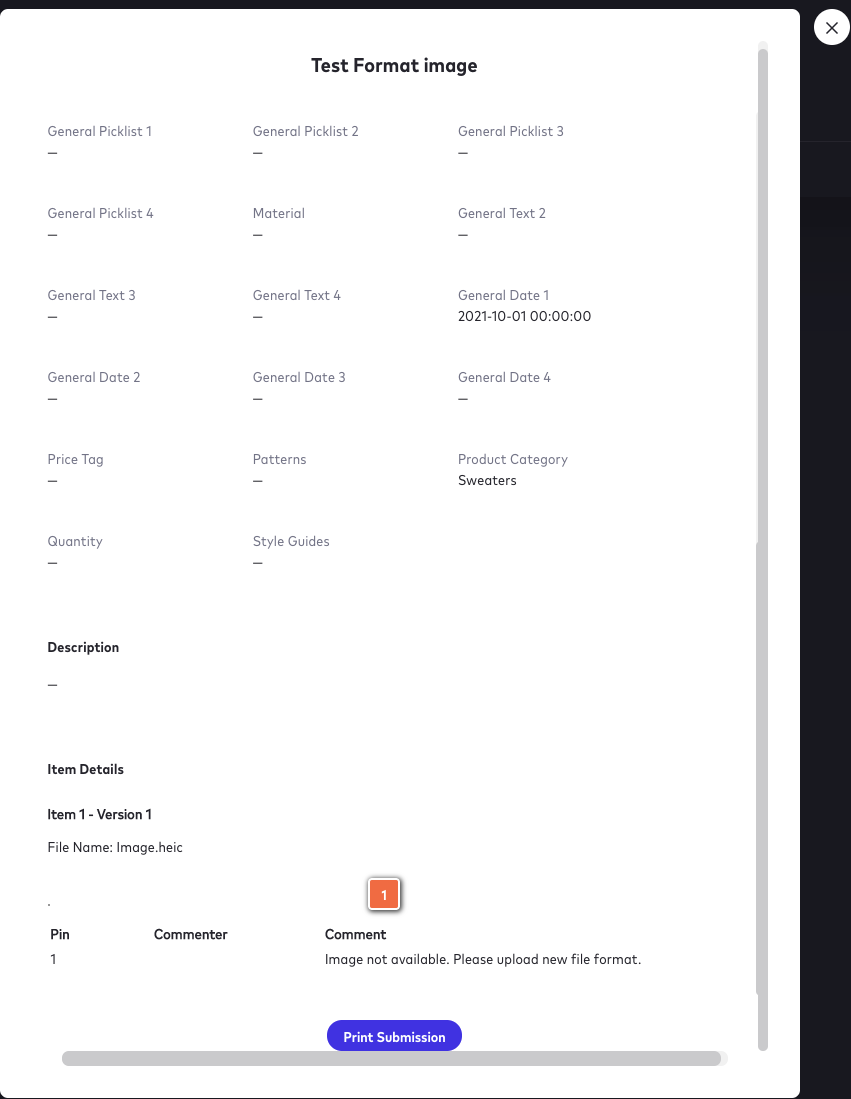
Image of file format for reference:
Comments
0 comments
Article is closed for comments.